Running full PC games on an Android phone once sounded impossible. However, mobile hardware has improved a lot in recent years. Many modern Android chipsets now perform close to older desktop CPUs. Because of this, games like Grand Theft Auto V, The Witcher 3, and many Steam indie titles can now run on smartphones.
Two names now lead the Android Windows emulation space: Winlator and GameHub. Both platforms let Android devices run Windows PC games. Still, they work in very different ways. Their differences affect performance, storage use, battery life, and overall user experience.
This article compares Winlator and GameHub in detail to help users decide which emulator fits their needs better.
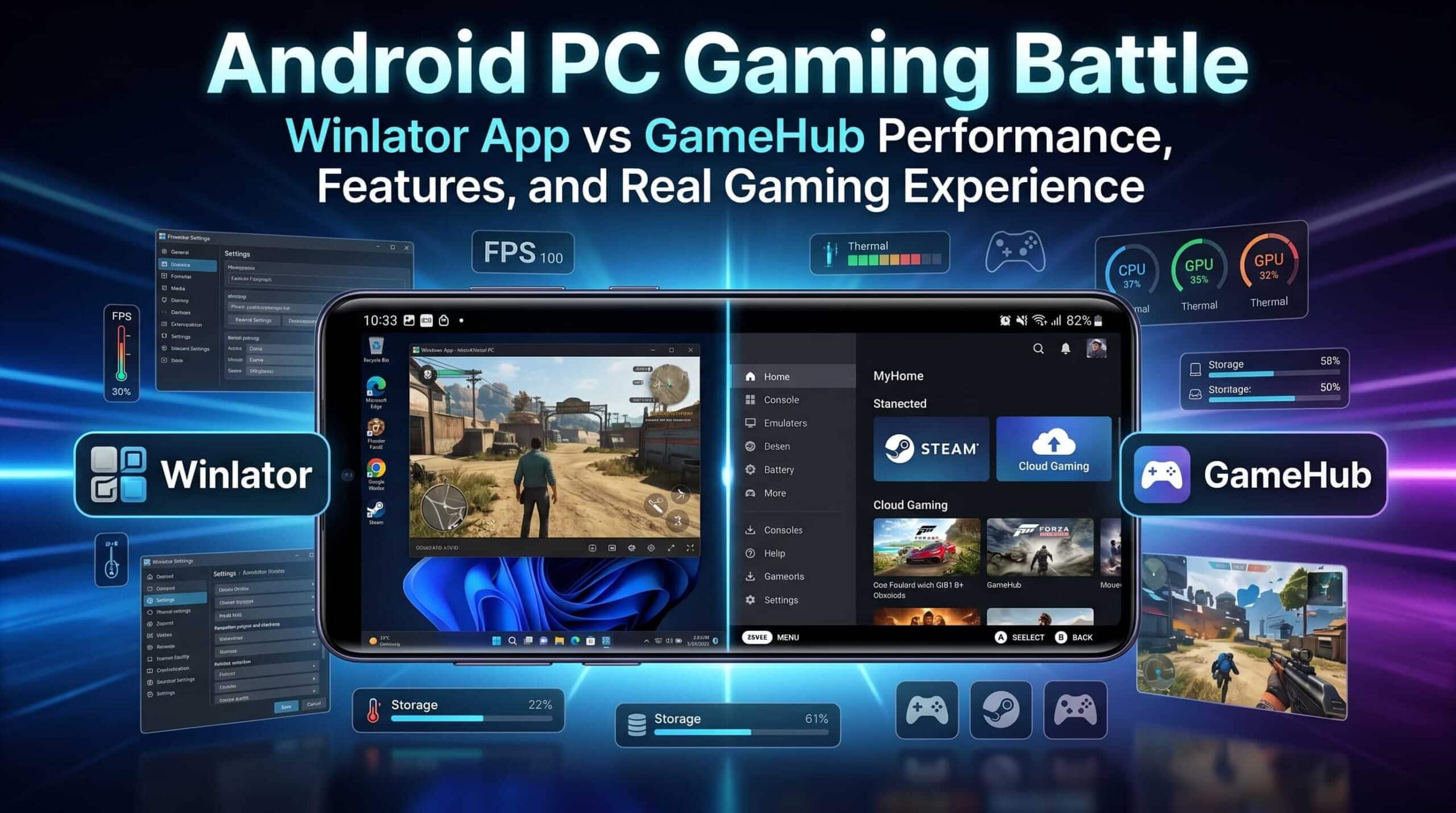
How These Emulators Work
Understanding the technology behind these apps makes it easier to understand why they perform differently.
Winlator
Winlator is an open-source compatibility layer built for Android devices. It combines Wine, Box86, and Box64 to translate Windows API calls and x86 instructions into formats ARM-based Android processors can understand.
The Winlator App runs locally on the device. It creates a desktop-like Windows environment directly on Android hardware. Since everything runs on the phone itself, performance depends heavily on the device chipset, GPU, RAM, and thermal control.
GameHub
GameHub takes a different approach. The app combines local emulation with cloud gaming and PC remote play. Besides native emulation, it also supports streaming games from a PC through its PC Link feature.
This setup gives users more flexibility. A game can run locally through translation layers or stream from another machine if the phone hardware cannot handle it well.
Because of this hybrid design, GameHub feels more like an all-in-one gaming platform than a pure emulator.
User Experience and Interface
The biggest difference between these two apps appears during setup and daily use.
GameHub Focuses on Simplicity
GameHub aims to provide a smooth and simple experience. The interface looks clean and modern. It also connects directly with Steam and Epic Games accounts. After syncing a library, games appear inside the app automatically.
Most settings stay hidden from the user. The app selects default drivers and configurations on its own. As a result, many games launch with very little setup work.
This design makes GameHub easier for beginners. Users who do not want to adjust technical settings often prefer this approach.
Winlator Gives Full Control
Winlator works differently. Instead of hiding technical settings, it exposes almost everything.
Before launching a game, users usually create a container manually. During setup, different options must be selected, including graphics drivers, DX wrappers, screen resolution, Wine settings, and CPU core assignments.
This process can feel confusing for new users. However, experienced users often prefer this freedom because it allows deeper optimization for specific games.
For example, one game may perform better with DXVK, while another may run more smoothly using WineD3D. Winlator allows those changes easily.
Performance and Game Compatibility
Performance depends heavily on hardware. Devices using Snapdragon 8 Gen 2 or Snapdragon 8 Gen 3 processors with Adreno GPUs usually deliver the best results on both emulators.
Still, software optimization also plays a major role.
Winlator Performance
Winlator performs very well because of strong community support. Many developers create custom builds, updated drivers, and optimized forks regularly.
Users can switch between graphics drivers like Turnip or VirGL. They can also modify DXVK settings, adjust CPU usage, and fine-tune containers for better stability.
Because of this flexibility, many games become playable after careful tweaking. Some games that fail on default settings may run correctly after changing drivers or reducing graphics load.
This level of control helps Winlator achieve strong local emulation performance.
GameHub Performance
GameHub focuses more on convenience than deep customization. Most settings are automated. This helps beginners start games faster, but it also limits troubleshooting options.
If a game crashes or fails to load properly, there are fewer manual fixes available inside GameHub compared to Winlator.
Still, GameHub includes useful modern features. One major addition is AI-assisted frame generation. On supported hardware, this feature can make games appear smoother by generating extra frames between rendered frames.
For example, a stable 45 FPS session may look visually closer to 60 FPS. However, weak hardware may still struggle, and visual artifacts or extra input delay can appear during gameplay.
Battery Life and Heat Management
Windows emulation puts heavy stress on Android hardware. As a result, battery drain and heat become major concerns.
Winlator Handles Long Sessions Better
Winlator usually offers better control over power usage. Users can disable CPU cores, reduce screen resolution, or lower GPU load inside each container.
These settings help balance performance and temperature. Long gaming sessions often feel more stable because users can manually tune the emulator for their device.
Phones still become warm during heavy gaming, but power management feels more adjustable overall.
GameHub Uses More System Resources
GameHub generally consumes more battery during local emulation. Besides running games, the app also handles cloud services, account syncing, social features, and background tasks.
These extra processes increase system activity and heat generation.
Some users therefore install modified versions like GameHub Lite. These unofficial community builds remove trackers, cloud modules, and unnecessary services to improve efficiency and reduce thermal load.
Storage Usage
Storage management is one of the biggest practical differences between the two emulators.
Winlator Uses Shared Storage
Winlator uses a shared virtual desktop structure. Multiple games can exist inside the same container, and system files remain shared across installations.
Because of this design, storage use stays relatively efficient. The emulator itself only requires a small amount of additional space beyond game files.
This approach works well for users with limited storage capacity.
GameHub Creates Large Containers
GameHub isolates every game inside its own sandbox environment. While this design improves separation between games, it also increases storage usage heavily.
Even a small game may end up using several gigabytes after GameHub builds its dedicated environment.
Some containers can reach 8GB or 9GB in size even when the actual game files remain much smaller.
For devices without expandable storage, this becomes a serious limitation. Installing multiple games can quickly fill available space.
Which Emulator Is Better?
The answer depends on what users expect from Android PC gaming.
Choose Winlator If:
- Full control over settings matters most
- Driver tweaking and manual optimization sound acceptable
- Storage space is limited
- Open-source software is preferred
- Local emulation performance is the top priority
Winlator works especially well for users who enjoy testing settings and improving performance manually.
Choose GameHub If:
- A simple console-like experience sounds more appealing
- Steam integration matters
- Cloud streaming and remote play are important
- Manual driver setup feels too complicated
- Large device storage is available
GameHub works better for users who want faster setup and easier navigation.
Final Thoughts
Both Winlator and GameHub push Android gaming much further than most people expected a few years ago. Modern smartphones now have enough power to handle many Windows PC games surprisingly well.
Winlator focuses on freedom, customization, and strong local emulation performance. It rewards users willing to spend time adjusting settings for the best results.
GameHub focuses more on convenience and accessibility. Its clean interface, cloud integration, and automated setup make PC gaming easier for casual users.
For pure local emulation and long-term flexibility, Winlator remains the stronger option for many enthusiasts. However, GameHub still offers a smoother experience for users who value simplicity and multi-platform gaming features more than deep technical control.